How to Stay Safe Online: 7 Simple Steps to Protect Your Accounts
Protect your accounts with unique passwords, stronger sign-in, recovery codes and practical checks for phishing, updates, device locks and backups.
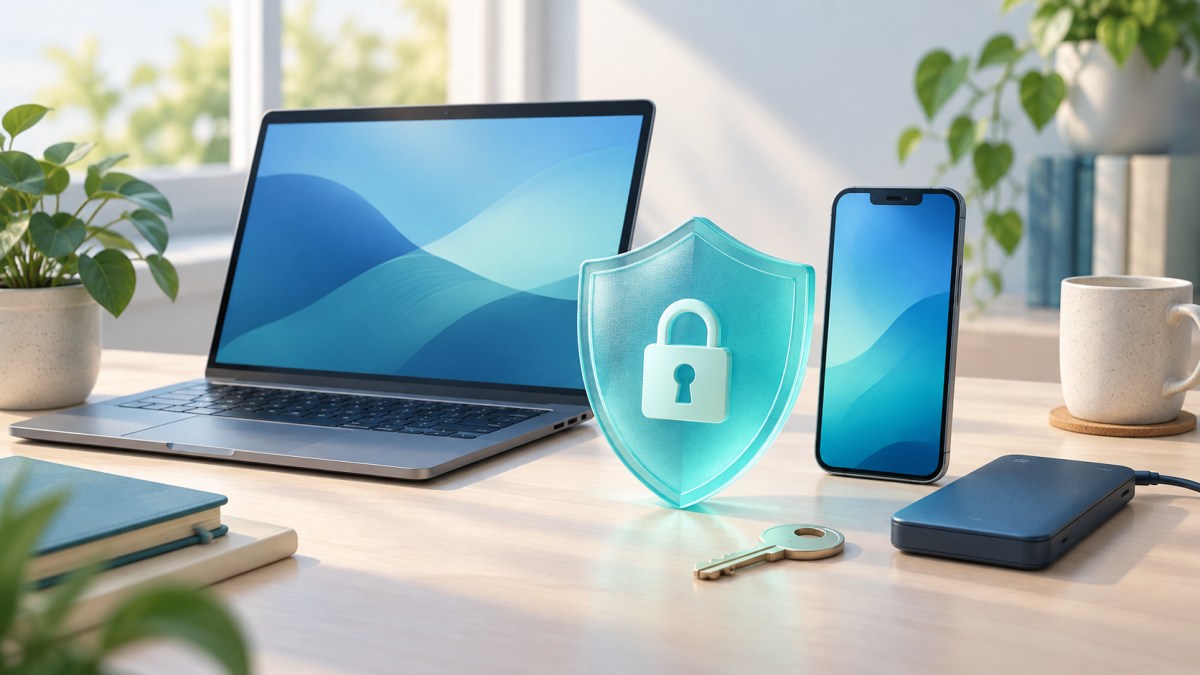
Staying safe online starts with habits you can repeat. Unique passwords, stronger sign-in settings and recovery options help protect your accounts. Work through these seven steps, beginning with email and other important services.
1. Give every account its own password
Reusing a password lets a breach at one service put other accounts at risk. Use a password manager to generate and save a different password for each account. If you need to create one yourself, the FTC recommends at least 15 characters; a phrase made from unrelated words can be easier to remember than random characters. Avoid names, birthdays and familiar quotations.
Protect the password manager itself with a strong, unique password and its available sign-in safeguards. Begin by replacing reused passwords on your most important accounts, then work through the rest.
2. Turn on stronger sign-in protection
Open an account’s security settings and look for two-factor authentication, two-step verification or passkeys. An authenticator app or security key offers more protection than text-message codes when available. SMS verification still adds protection compared with a password alone. The FTC explains these options and warns that scammers may ask for verification codes. Never read a sign-in code to an unexpected caller or approve a login you did not start.
Passkeys can resist fake sign-in pages and often let you sign in using your device unlock. Follow the service’s setup instructions: Google’s passkey guide cautions that someone who can unlock your device may access your account. Create passkeys only on devices you personally control.
3. Prepare for losing your phone
Check that your recovery phone number and email address are current and accessible. Update them when your contact details change. For Google accounts, recovery information can help restore access if you forget your password or get locked out.
If the service offers backup codes, generate them during setup. Keep a protected copy somewhere you can reach without that phone, such as a securely stored printout. Never share these codes or leave them in an open notes file. Google’s backup codes work once each; generating a replacement set invalidates the old set.
4. Check urgent messages through another route
A delivery problem, blocked account or unexpected payment request can make you act quickly. Pause before opening an attachment, signing in or entering payment information. A familiar logo or sender name does not establish that a message is genuine.
Open the service’s app yourself, type its known website address or call a number you already trust. Do not use the contact details supplied in the suspicious message. This is the central check in the FTC’s phishing guidance: verify the request independently before responding. Delete or report messages you identify as scams through your email or messaging service.
5. Keep your devices and apps updated
Enable automatic updates for your operating system, browser, apps and security software where available. Updates can repair weaknesses that criminals exploit, as the FTC’s device-security advice explains. Complete any restart the device requests so an installation is not left unfinished.
Use the device’s settings or official app store to check updates. On Android, the official update guide shows where to check system and security update status. Menus and update schedules vary by device, so use your manufacturer’s instructions if the labels differ.
6. Lock the device that holds your accounts
Set a screen lock and automatic locking when you stop using your phone. The FTC recommends a passcode of at least six digits. Keep it private, even if you normally unlock with your face or fingerprint.
Lock your computer when you step away, too. A strong online password cannot keep someone out of an account already open on an unattended screen. Before lending someone your device, consider which messages, saved passwords and signed-in apps they could reach.
7. Back up the information you cannot replace
Turn on a suitable backup option and check that it has completed successfully. Prioritise personal documents, photos and other files that exist only on your device. On Android, backup details show which data and apps are included; some apps cannot restore everything.
For iPhones, Apple explains both iCloud and computer backups. A computer backup’s encryption option is not on by default. Check what your chosen method excludes, keep any backup password safely and learn its restore process before you need it.
Frequently asked questions
Why should I secure my email first?
Your inbox often receives password-reset links for other accounts. Someone who controls it may use those links to take over more services. The FTC’s account-recovery guide explains this connection. Secure your email and check its recovery details before moving through less important accounts.
Does a passkey remove the need for recovery options?
No. You can still lose access to a device or account. Keep the recovery methods your provider recommends. If a device holding a passkey is lost, follow that provider’s instructions to remove the lost device’s access.
What if I entered my password on a fake website?
Use a trusted device to open the real service and change the password promptly. Replace it anywhere you reused it. Where the service allows it, sign out of other sessions. Review signed-in devices, recovery details and unfamiliar email-forwarding rules. The FTC’s recovery guidance also recommends following your provider’s instructions and warning contacts about messages sent by an intruder.
Keep exploring.

Fire Emblem: Fortune’s Weave launches: A US player’s guide
Nintendo’s September 17 release brings four connected journeys to Switch 2. Here is the setting, tactical approach and standalone story explained.

SEMICON India 2026: the chip-industry agenda to watch in New Delhi
SEMICON India is scheduled for September 17–19 at Yashobhoomi. Its programme puts manufacturing, packaging, chip design and workforce development in the same conversation.

UPI payments up to Rs 2,000 stay free: what the latest update means
A government notification protects low-value UPI payments from charges. Here is the distinction between consumer payments and the merchant-fee debate.
Join the conversation
Keep it thoughtful. All comments are reviewed before appearing.